
Help Centre / Account & Support
Team access and logging in
You manage who can log in to your dashboard from the Team section.
Adding and removing users
Logins are managed from the Team section of your dashboard. That's where you add or remove users.
To choose who receives report emails and meeting notifications, see Venue-wide settings.
Setting or changing your password
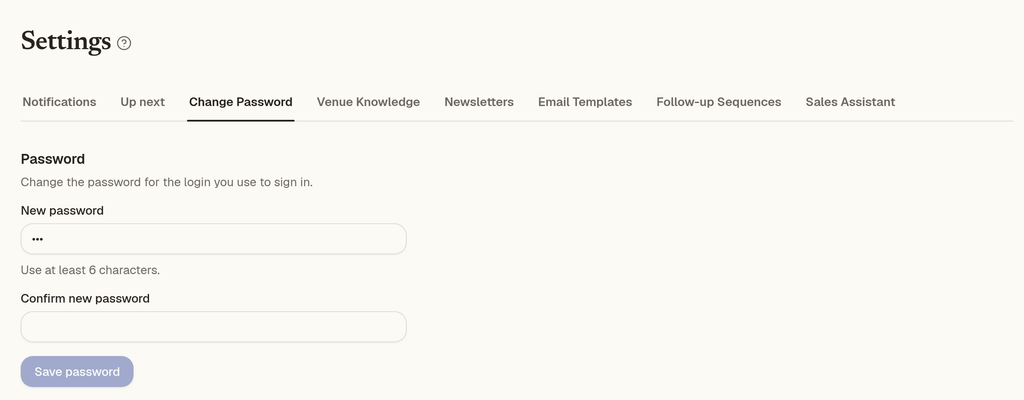
Your password needs to be at least 6 characters. That's the only rule, and it's the same everywhere you set a password:
- The invite or password reset link in your email
- The Change Password tab in Settings, to change the password for the login you use to sign in
Enter a password of 6 or more characters, confirm it if asked, and save. If it's shorter than 6 characters, you'll see "Please use at least 6 characters."
If you run more than one venue
Add the same person to each venue. As long as they're added to every venue, they'll have access to all of those venues' dashboards from a single account. See Managing more than one venue or brand.
Need help?
Email us at hello@eventcaptain.com.
Can't find what you need? Reply to any email from your Event Captain team and we'll sort it out.