
Help Centre / Account & Support
Notification settings
Choose which Event Captain emails you receive, and who at your venue gets meeting and report emails. Open Settings in your dashboard. Notifications is the first tab, alongside others such as Up next, Change Password and Sales Assistant.
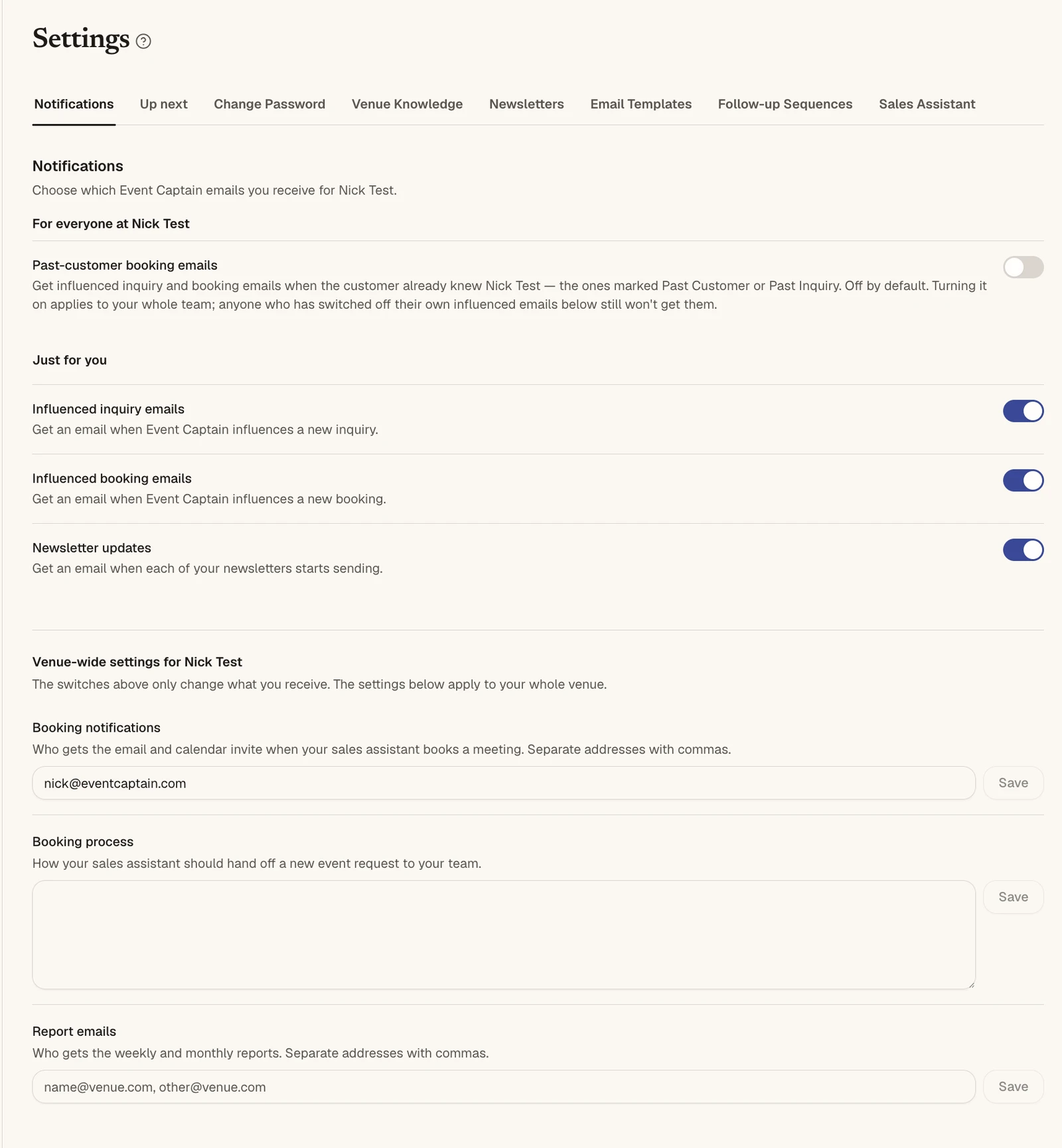
For everyone at your venue
Past-customer event emails. Get influenced inquiry and event emails when the customer already knew your venue, the ones marked Past Customer or Past Inquiry. This is off by default. Turning it on applies to your whole team, but anyone who has switched off their own influenced emails still won't get them.
Just for you
These switches only change what you receive.
- Influenced inquiry emails: get an email when Event Captain influences a new inquiry. See Inquiries.
- Influenced event emails: get an email when Event Captain influences a new event. See Influenced Events.
- Newsletter updates: get an email when each of your newsletters starts sending. See Newsletters.
Venue-wide settings
These settings apply to your whole venue.
- Meeting notifications: who gets the email and calendar invite when your sales assistant books a meeting. Separate addresses with commas.
- Event handoff process: how your sales assistant should hand off a new event request to your team. See How lead handoff works.
- Report emails: who gets the weekly and monthly reports. Separate addresses with commas.
Click Save next to each field after you change it.
Can't find what you need? Reply to any email from your Event Captain team and we'll sort it out.